
Files and guest / Experience Cloud users: exposure risks
How files become visible to guest and Experience Cloud users in Salesforce — the Visibility field, Set by Record sharing, and the misconfigurations that leak data.
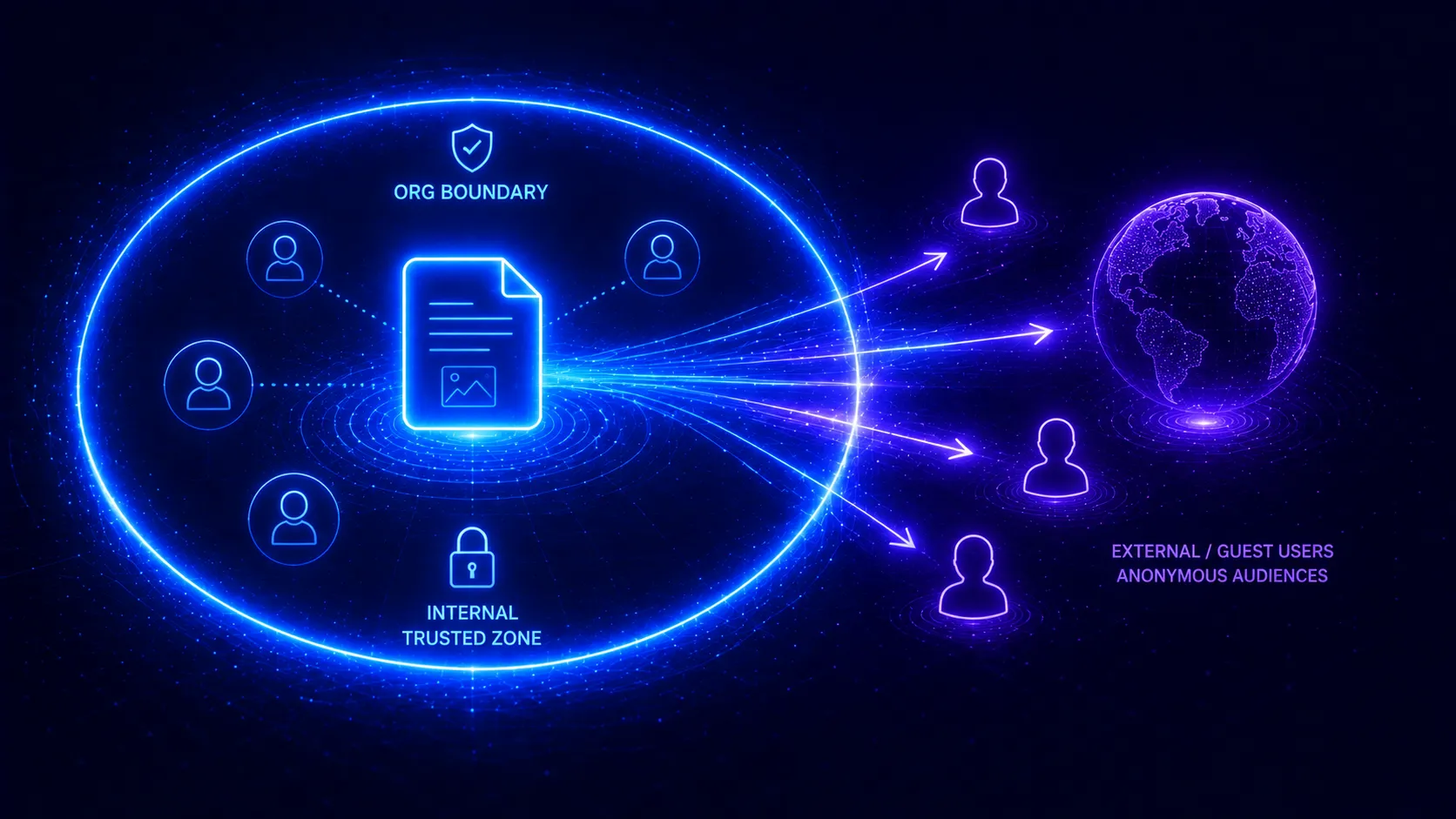
File access is hard enough internally. Add Experience Cloud (community) and guest users and it gets sharper in both directions: the files you want external users to see sometimes don’t appear, and the files you don’t sometimes leak to the public. Both come down to the same small set of settings. Here’s how to get them right.
External users use the same model — with one extra gate
Community and guest users see files through the same ContentDocumentLink model as everyone else. But there’s an additional gate that internal users rarely hit: the link’s Visibility field.
| Visibility | Who it includes |
|---|---|
AllUsers | Internal and external/community users |
InternalUsers | Internal users only |
SharedUsers | Only users explicitly shared with |
For an Experience Cloud user to see a record-attached file, two things must both be true: they can access the record, and the file’s link Visibility includes external users (typically
AllUsers).
This is why “the community user can see the record but not its file” is such a common ticket — record access is fine, but Visibility is InternalUsers.
Failure mode 1: files that should show, don’t
The benign version. A community user can open a case but its attachments are missing. The fix is almost always Visibility on the file’s ContentDocumentLink, and ensuring files uploaded in the community inherit the right visibility. Check the link, not the record sharing.
Failure mode 2: files that shouldn’t show, do
The dangerous version — and the reason this topic matters for security.
Guest users are unauthenticated. They are anonymous visitors to your public site. So anything a guest user’s configuration exposes is effectively available to the entire internet:
- A public link (no login, by design) on a sensitive file.
- Files attached to records the guest user profile can reach, with
AllUsersvisibility. - Over-broad sharing sets / sharing rules granting the guest or external audience more records than intended — and therefore more files.
Over-permissive guest access is among the most frequently reported Salesforce data-exposure issues. The files ride along with whatever records you accidentally exposed.
The two gates to audit, together
Because external file access depends on record access AND file Visibility, you have to check both as a pair:
- Which records can guest and external users reach? (Community sharing model, sharing sets, sharing rules.)
- What is the Visibility of files attached to those records?
- Any public links on sensitive files?
The intended end state: exactly the files you meant to publish are reachable by the external audience — and nothing else. Getting there is the same core question as the rest of the record access model, just with the riskiest possible audience.
Knowing what the public can actually reach
The combination — external record access times file Visibility plus any public links — is exactly what makes guest-user exposure easy to misjudge and hard to verify by hand. AgentForceAccess evaluates it the way it evaluates internal access: ask what a guest or community user can see, and it traces the records they reach and the files those records expose, so “is anything leaking to the public” becomes a question you can actually answer.
Frequently asked questions
Why can't my community user see a file on a record they can access?
Most often the ContentDocumentLink's Visibility is set to InternalUsers, which excludes external users even when record access is fine. To expose the file to community users it generally needs Visibility = AllUsers. Record access alone is not enough if Visibility excludes the audience.
What is the risk with guest users and files?
Guest users are unauthenticated visitors. Any file their sharing configuration or a public link exposes is effectively available to the public internet. Over-broad guest access — or a forgotten public link — is one of the most common Salesforce data-exposure findings.
How does file visibility relate to record sharing in a community?
They are two separate gates. The user needs access to the record (via the community sharing model, sharing sets or sharing rules) AND the file's link Visibility must include external users. Both must line up, which is why community file access is a frequent support and security topic.
What should I check before exposing files in a community?
Confirm which records guest and external users can reach, then confirm the Visibility on the files attached to those records. Audit any public links. The goal is that exactly the intended files — and no others — are reachable by the external audience.
See it on your own org
AgentForceAccess explains, in plain English, why any user can see any record or file — across every Salesforce sharing mechanism.
Request early access